Inside the app
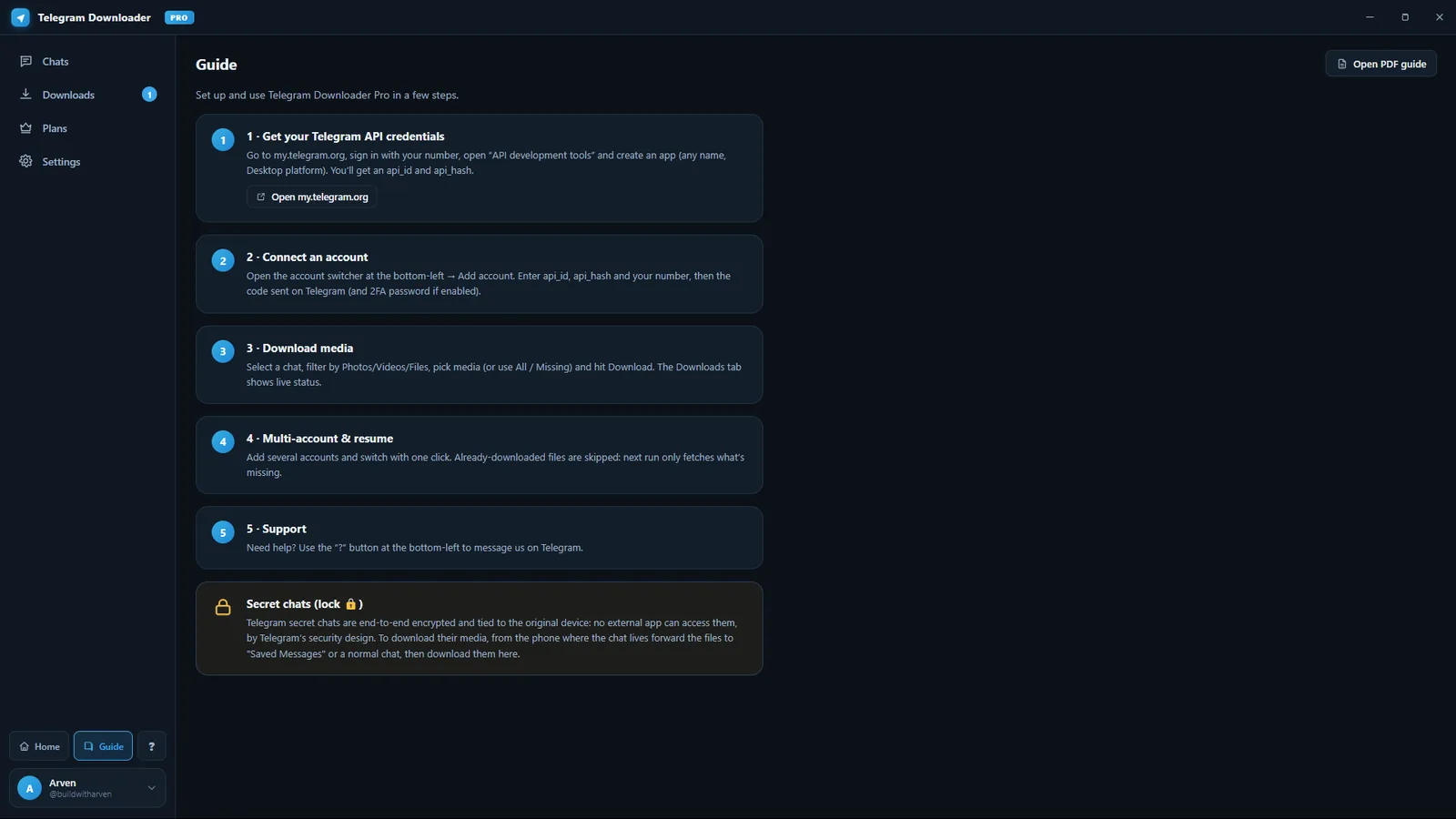
What it actually looks like
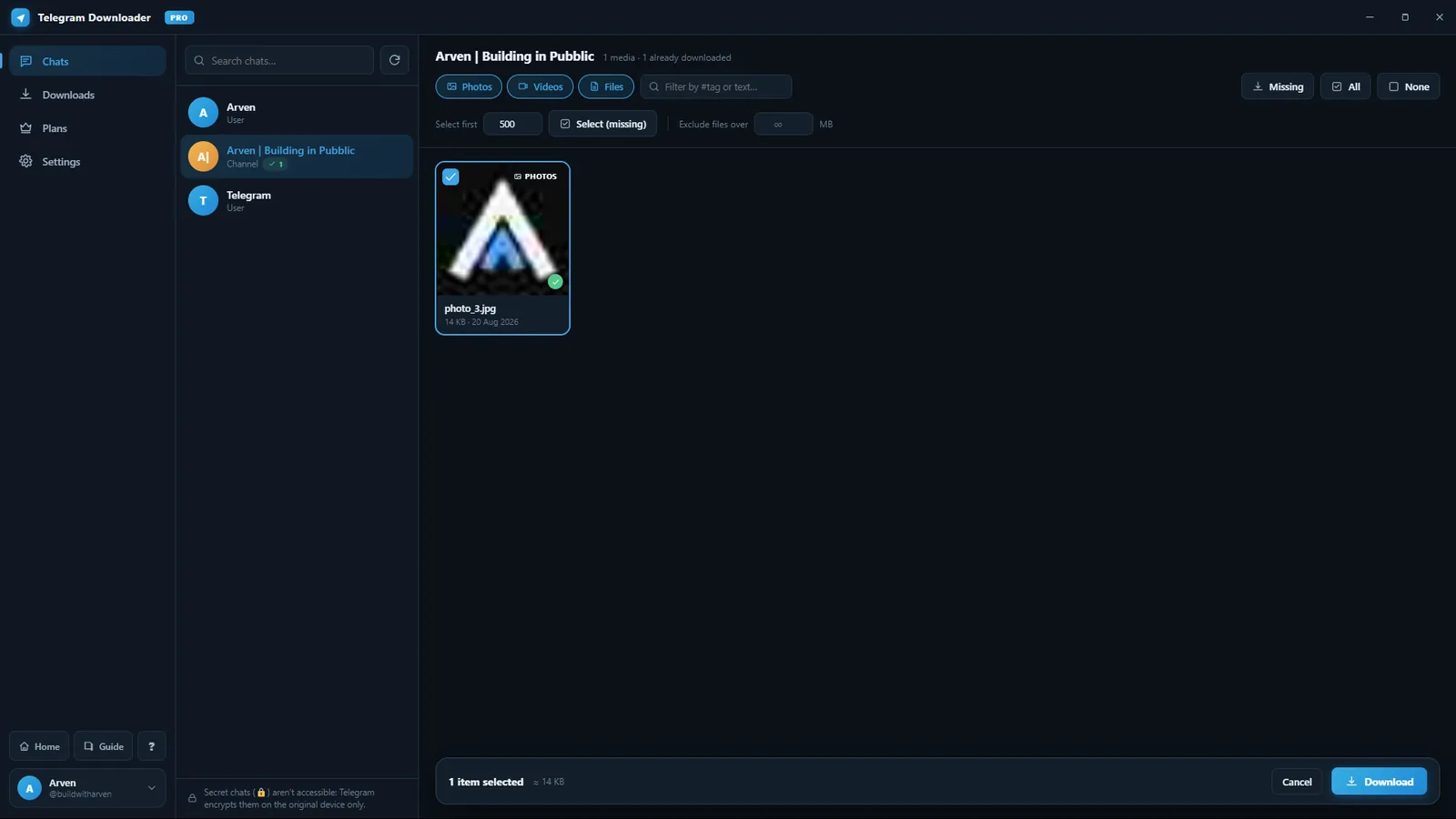
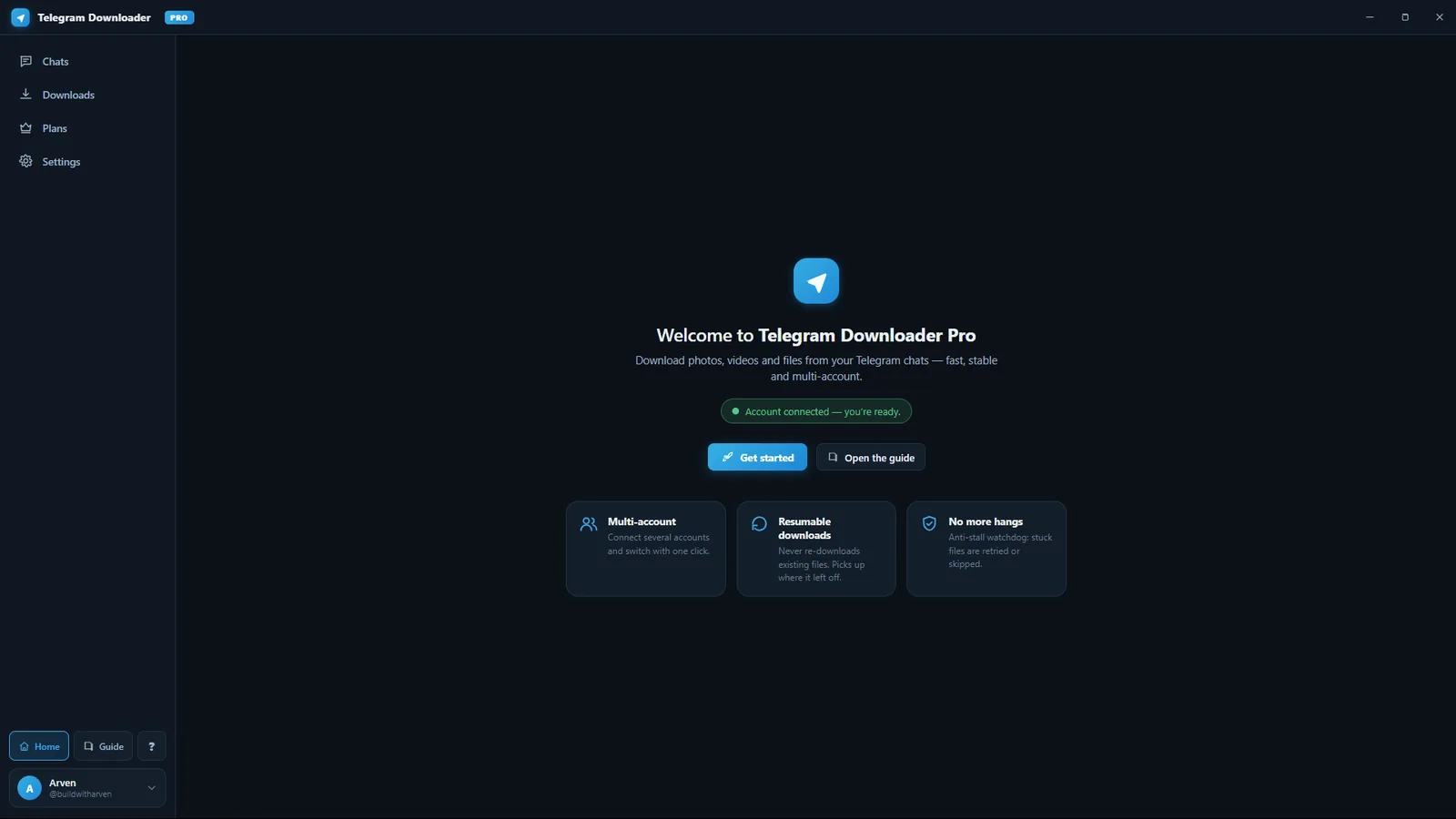
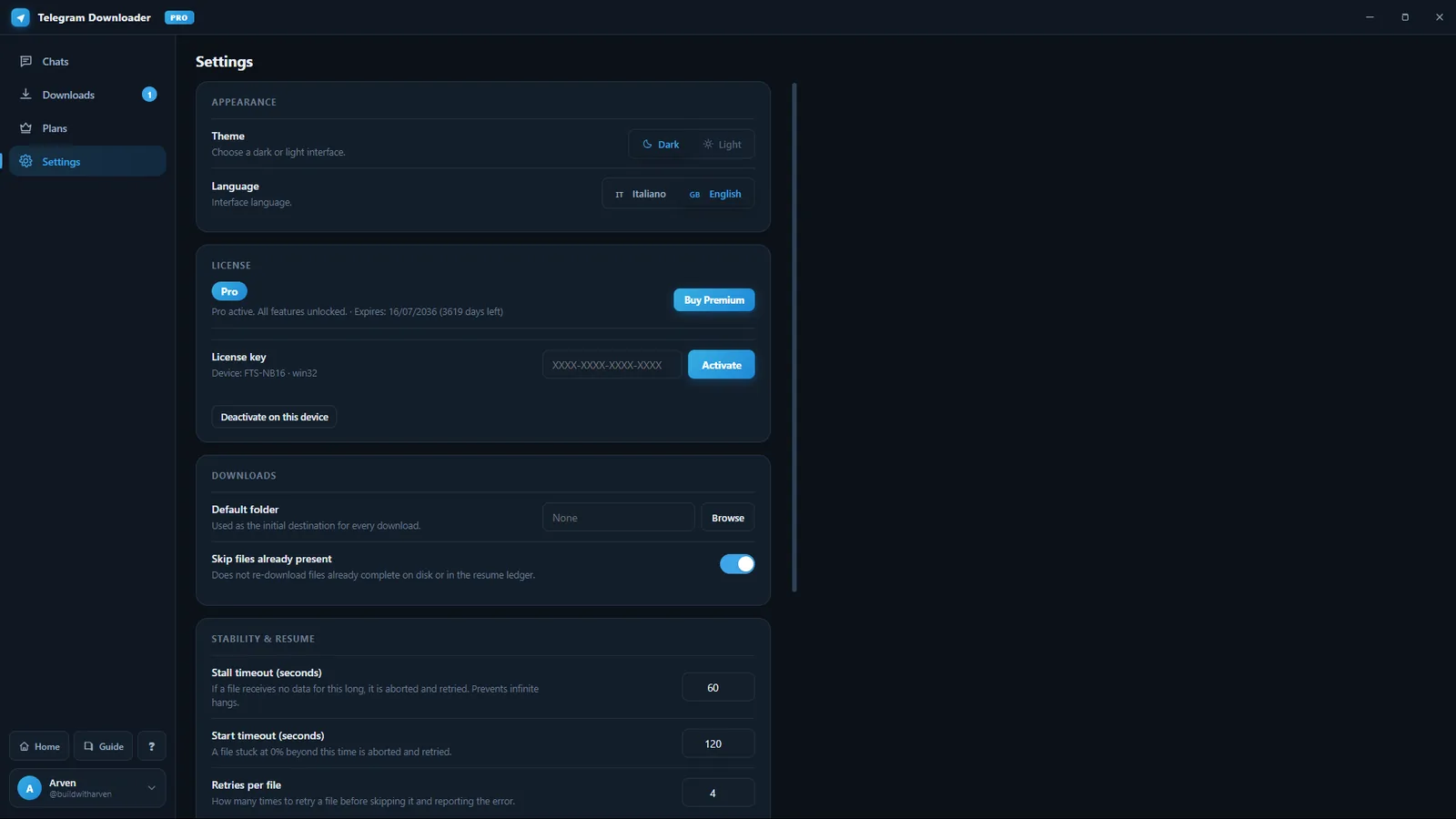
Real screenshots, not mockups. This is the build I use every day.
Projects / 01 - In progress
Stop saving media one message at a time. Pick what you need, hit start, and get an organised local folder instead of a scroll session.
The problem
Anyone with a few years of Telegram history knows the drill.
Hundreds of documents means hundreds of taps, with no way to know what you already saved.
Everything lands in one folder with names like photo_2847.jpg. Finding anything later is guesswork.
The connection drops halfway through and you start over, unsure where you stopped.
How it works
Four steps. The first one is Telegram's requirement, not mine — better you know before you download.
The honest version, because this is the first thing everyone asks.
Inside the app
Real screenshots, not mockups. This is the build I use every day.
Before you install
It says "Windows protected your PC". It's not a virus alert — it means the app isn't code-signed yet.
Signing a Windows app requires a certificate that costs a few hundred euros a year and, in Europe, a registered business. I have neither yet. When the project can afford it, it gets bought and documented like everything else here.
Click "More info", then "Run anyway". That's the whole thing.
A signature would prove who made it. A checksum proves the file wasn't altered — which is the part that actually protects you. Compare it in PowerShell:
Get-FileHash .\TelegramDownloader-Setup.exe -Algorithm SHA256Plans
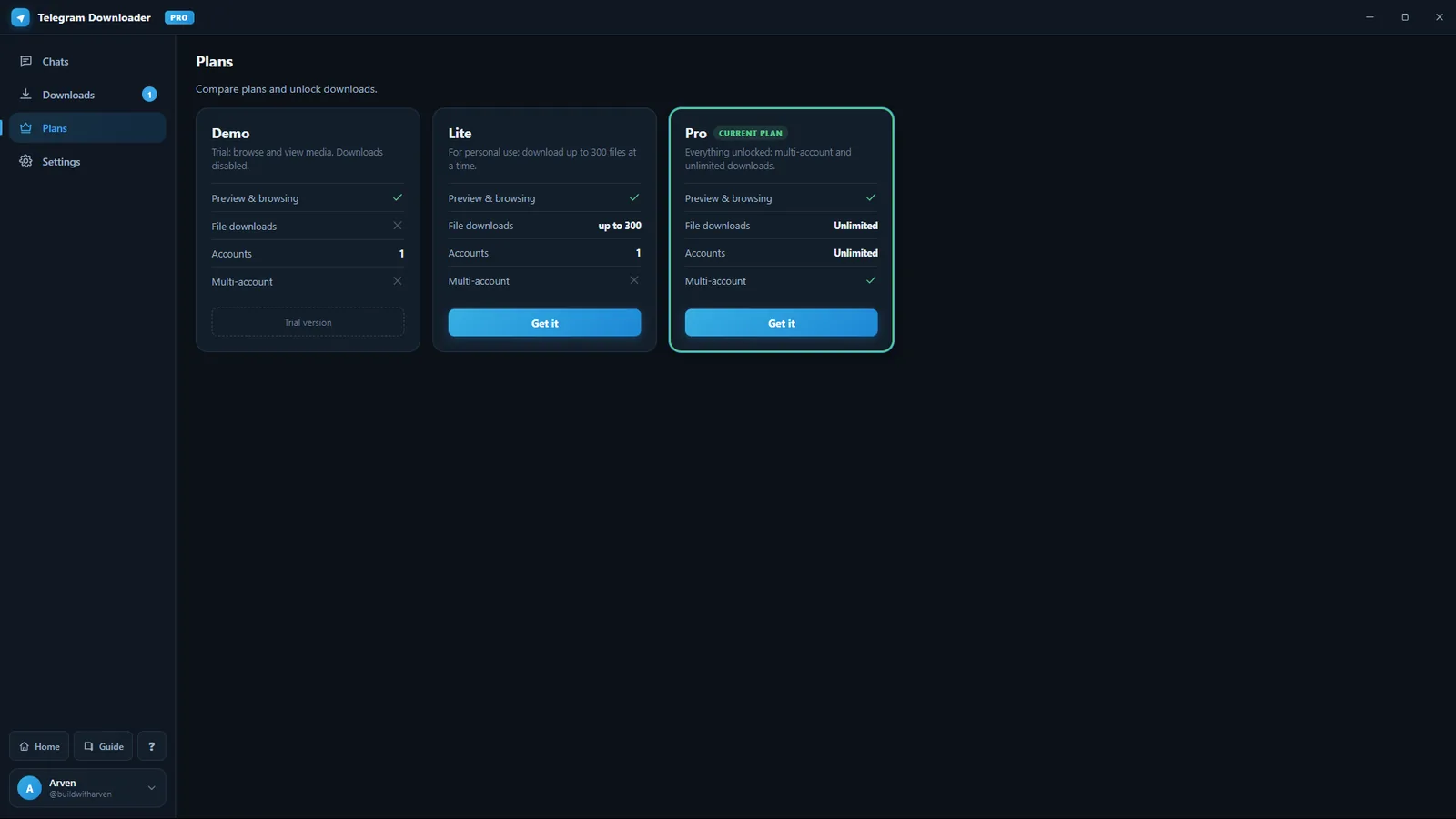
Demo is free and needs no key. Lite and Pro are one-off payments — no subscription, no renewal.
| DemoFreeBrowse and view your media. Downloads are disabled. Download | Lite€9.99For personal use: download up to 300 files at a time. Buy | Pro€19.90Everything unlocked: multi-account and unlimited downloads. Buy | |
|---|---|---|---|
| Preview & browsing | Yes | Yes | Yes |
| File downloads | No | up to 300 | Unlimited |
| Accounts | 1 | 1 | Unlimited |
| Multi-account | No | No | Yes |
| License key | Not needed | Free, on request | Paid |
Upgrade to Pro for €10. Same install, you just activate the new key.
Upgrade for €10Checkout takes cards, PayPal, Apple Pay and Google Pay. Creem sells on my behalf and handles VAT and the invoice. Same key, delivered by email whatever you pay with.
Download
The Demo runs with no key: install it and look through your media. Downloading files needs Lite or Pro.
Lite covers backing up your own files. Pro removes the limit and adds multiple accounts.
See the plansFAQ
No date promised. It works, but it isn't packaged for public release yet, and I won't ship something that connects to your Telegram account before it's ready. The release, and the delays, get documented like everything else.
The Demo is free and needs no key. Lite is €9.99, Pro is €19.90, and upgrading from Lite to Pro is €10. All one-off payments — there's no subscription and nothing renews.
No. The app runs entirely on your computer and talks directly to Telegram. There's no server in the middle and no way for me to see what you download.
It uses Telegram's official API and only reaches chats your own account can already open. Use it for your own files and for content you have the right to save.
Windows first. If enough people ask, that decides what gets built next — which is the whole point of building in public.
It resumes. Files you already have are skipped instead of being fetched again.
Not for the Demo — download it and browse your media without one. Lite and Pro both need a key, which arrives by email right after payment. A key is tied to one device and can be released from it, so changing computer isn't a problem.
No, and no app can. Telegram encrypts secret chats end to end and ties them to the device they were started on. To save that media, forward it from that phone to Saved Messages, then download it from there.
Free, local, and improving every week in public.
Follow for the release